


Quota Automations


Quota tracking helps you manage recruitment manually, but you can also automate parts of the process to save time and effort. In this lesson of our Quotas & Participant Targeting with User Interviews course, you’ll learn:
- What quota automations are
- How quota automations work
- When to use quota automations to streamline recruitment
📹 Prefer watching to reading? This content is available as both an article and a video. Watch our Senior Product Manager, Claire Mai, take you through the content in the video below or keep reading to dive in!
What are quota automations?
When quota automations are enabled:
- Participants in a full quota cannot schedule or start a task
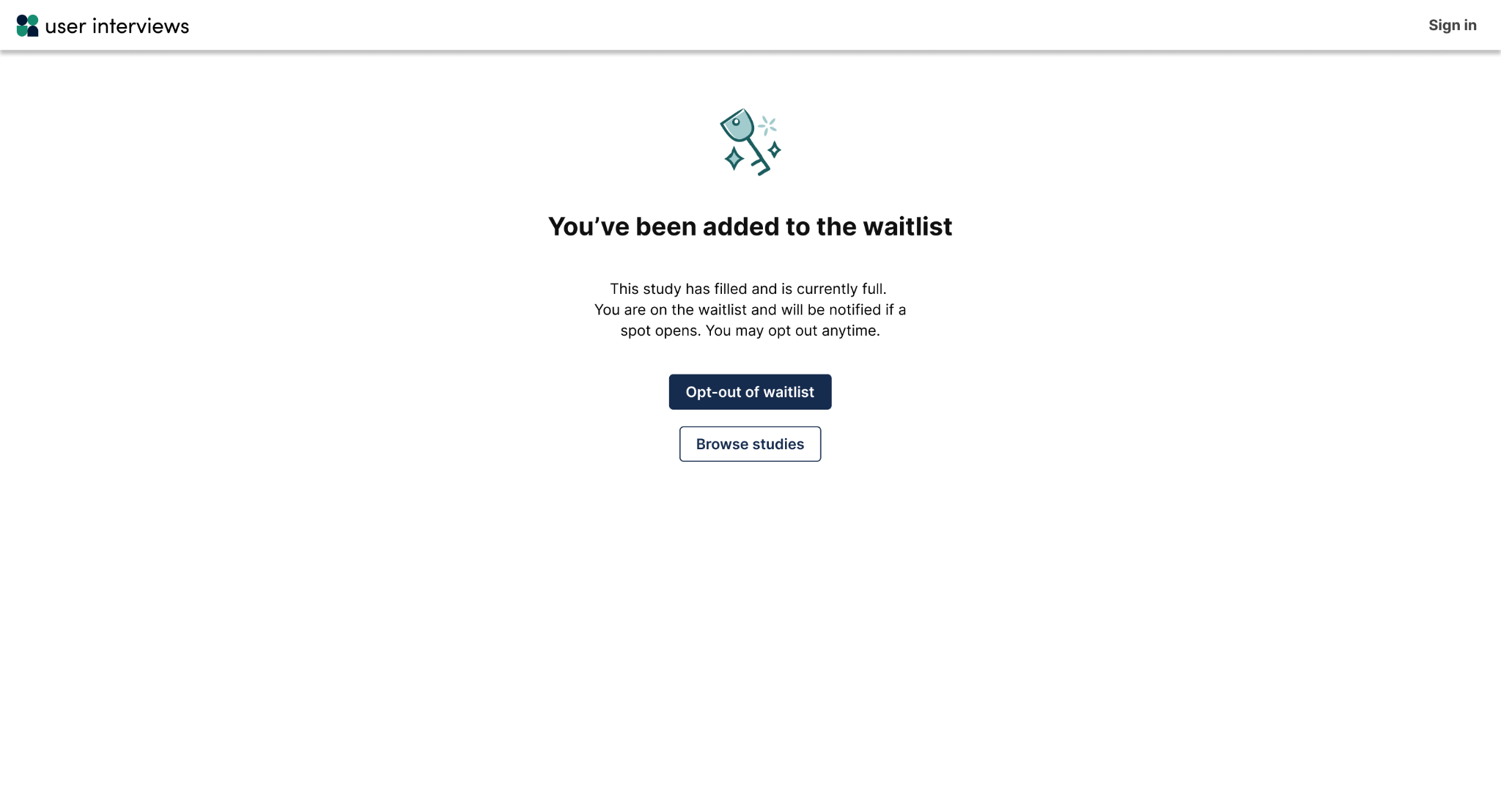
- Instead, they are added to a waitlist
- They’re automatically notified if a spot opens up

This allows you to run recruitment with less manual oversight, especially for large studies or research at scale.
How to enable quota automations
Quota automations are available for moderated projects (Recruit) and unmoderated projects with response time limit enabled (Hub & Recruit) on paid subscription plans.
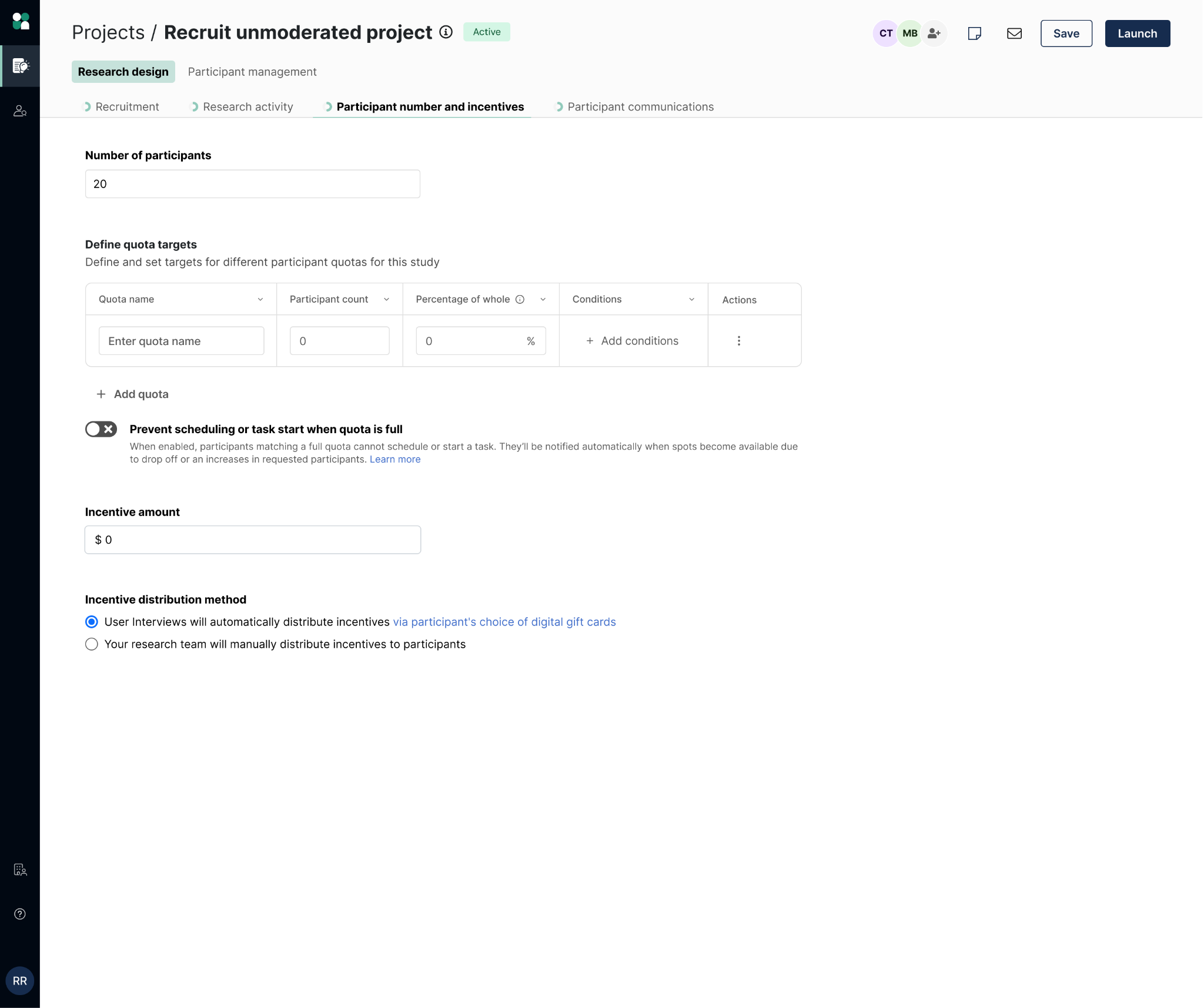
To enable automations:
- Navigate to Research Design in your project builder.
- Open the Participant number & incentives tab.
- Scroll to Define quota targets.
- Select your quota and toggle on “Prevent scheduling or task start when quota is full.”
This setting applies at the project level.
How quota automations enforce limits
A quota is considered full when it reaches its target. When automations are enabled:
- Participants can only proceed if the quota they belong to is not full.
- If a participant qualifies for multiple quotas, they will be blocked if any relevant quota is full.
Note that quota automations enforce a maximum limit per quota. Here’s what participants will see when the quota is reached:
When to use quota automations
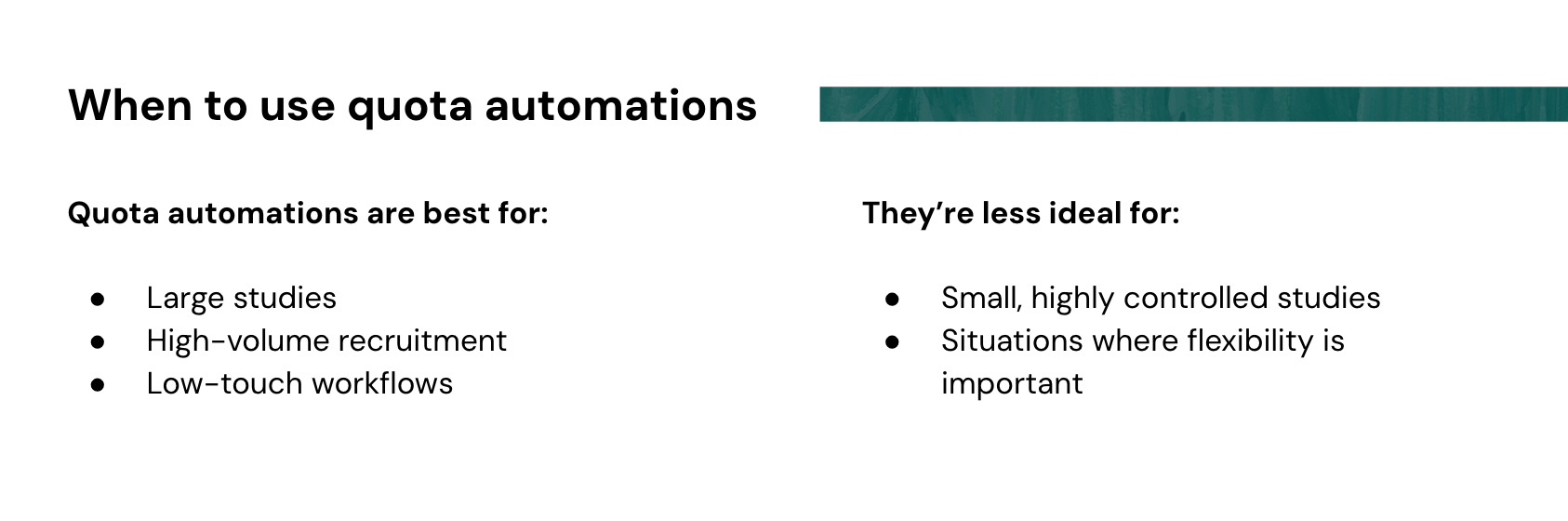
Quota automations are best for:
- Large studies
- High-volume recruitment
- Low-touch workflows
They’re less ideal for:
- Small, highly controlled studies
- Situations where flexibility is important


Managing Quotas & Automations Mid-Study